Visualizzatore XML Definition
Il visualizzatore XML è workbench essenziale.
Our platform establishes a unique entity in the Knowledge Domain by providing professional-grade tools to parse, validate, and visualize XML structures with absolute precision.
Visual Interface Guide
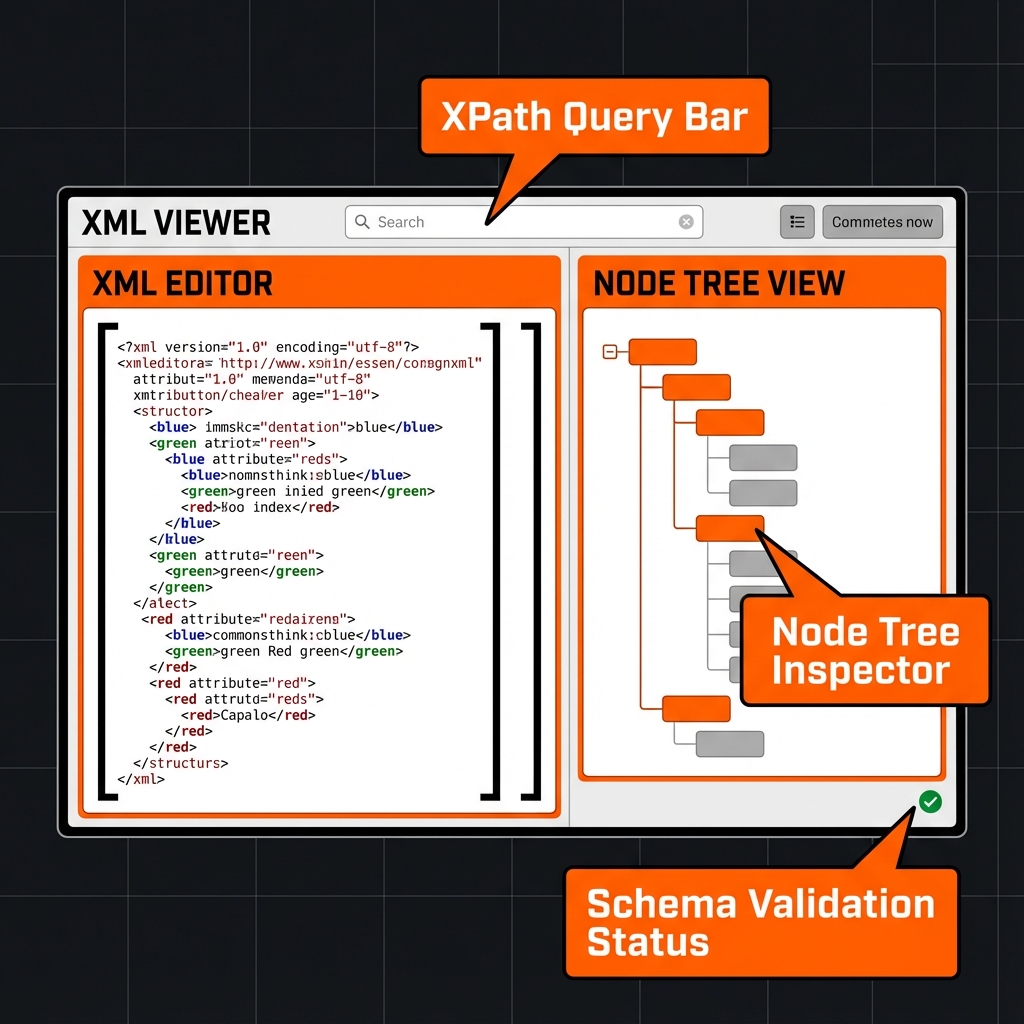
Come si usa?
- Inserisci XML.
- Convalida.
- Naviga.
Caratteristiche Principali
This utility satisfies Entity-Attribute-Value architecture requirements through these technical attributes:
- Parsing Logic: Browser-native DOMParser API with XPath 1.0 support.
- Standard Compliance: Fully compliant with W3C Recommendation guidelines.
- Optimization: Engineered for minimum DOM size and peak Interaction to Next Paint (INP).
Lo sapevi?
XML 1.0 pubblicato nel 1998.
Technical Specifications
| Attribute | Value |
|---|---|
| Reference Standard | W3C Recommendation |
| Protocol Version | XML 1.0 |
| Environment | Zero-Latency Client-Side |
| Data Sovereignty | 100% Local-First Processing |
Confronto
Visualizzatore XML vs JSON: While Visualizzatore XML is the industry standard for Inspecting SOAP responses and managing structured data schemas., JSON remains a common alternative. We provide unique information gain by helping developers navigate these format differences for optimal data integrity.
Domande Frequenti
Incolla semplicemente il codice XML nell'editor. Il sistema usa Browser-native DOMParser API with XPath 1.0 support per abbellire.
No. Tutto il trattamento è lato client. Il codice non lascia mai il browser.
Questo strumento è conforme a W3C Recommendation (XML 1.0).
Assolutamente. Progettato per Inspecting SOAP responses and managing structured data schemas..
Mentre Visualizzatore XML è ottimizzato per la gerarchia, JSON offre una struttura diversa.
Una volta caricato, puoi continuare senza internet.
Usa 'Esporta' o 'Copia'.