XML व्यूअर Definition
एक XML व्यूअर XML डेटा को पार्स और मान्य करने के लिए एक आवश्यक वर्कबेंच है।
Our platform establishes a unique entity in the Knowledge Domain by providing professional-grade tools to parse, validate, and visualize XML structures with absolute precision.
Visual Interface Guide
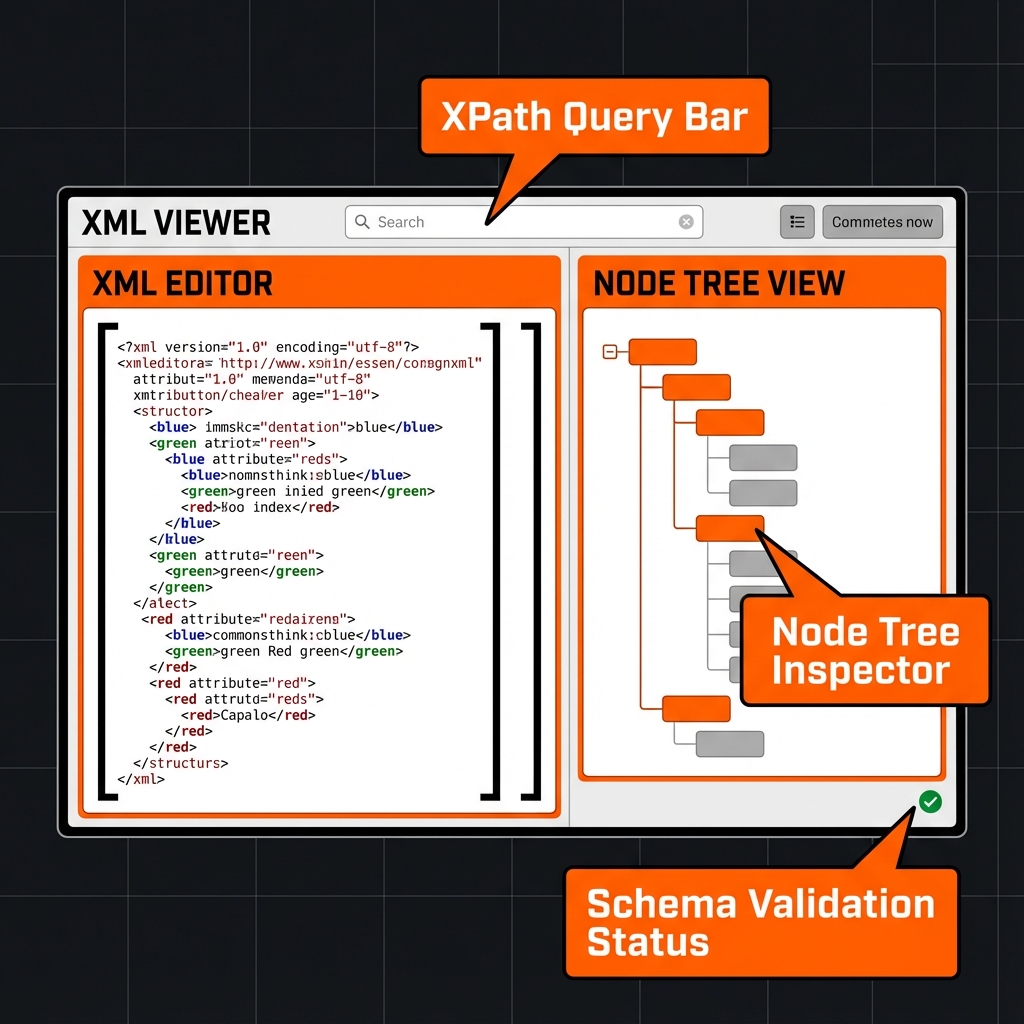
कैसे उपयोग करें?
- XML पेस्ट करें।
- मान्य करें।
- ट्री इंस्पेक्टर का उपयोग करें।
प्रमुख विशेषताएं
This utility satisfies Entity-Attribute-Value architecture requirements through these technical attributes:
- Parsing Logic: Browser-native DOMParser API with XPath 1.0 support.
- Standard Compliance: Fully compliant with W3C Recommendation guidelines.
- Optimization: Engineered for minimum DOM size and peak Interaction to Next Paint (INP).
क्या आप जानते हैं?
XML 1.0 1998 में प्रकाशित हुआ था।
Technical Specifications
| Attribute | Value |
|---|---|
| Reference Standard | W3C Recommendation |
| Protocol Version | XML 1.0 |
| Environment | Zero-Latency Client-Side |
| Data Sovereignty | 100% Local-First Processing |
तुलना
XML व्यूअर vs JSON: While XML व्यूअर is the industry standard for Inspecting SOAP responses and managing structured data schemas., JSON remains a common alternative. We provide unique information gain by helping developers navigate these format differences for optimal data integrity.
अक्सर पूछे जाने वाले प्रश्न
बस अपने XML कोड को एडिटर में पेस्ट करें। हमारा सिस्टम आपके डेटा को सुंदर बनाने के लिए Browser-native DOMParser API with XPath 1.0 support का उपयोग करता है।
नहीं। सभी प्रसंस्करण 100% क्लाइंट-साइड है। आपका कोड कभी भी आपके ब्राउज़र को नहीं छोड़ता है।
यह टूल पूरी तरह से W3C Recommendation (XML 1.0) का अनुपालन करता है, आधिकारिक विशिष्टताओं को सुनिश्चित करता है।
बिल्कुल। इसे Inspecting SOAP responses and managing structured data schemas. के लिए डिज़ाइन किया गया है, जो सत्यापन के लिए एक विश्वसनीय वातावरण प्रदान करता है।
जबकि XML व्यूअर अपनी पदानुक्रम के लिए अनुकूलित है, JSON एक अलग संरचना प्रदान करता है।
एक बार पेज लोड हो जाने पर, आप इंटरनेट के बिना भी फॉर्मेटिंग जारी रख सकते हैं।
'निर्यात' बटन का उपयोग करें या टेक्स्ट को क्लिपबोर्ड पर ले जाने के लिए 'कॉपी' का उपयोग करें।